
Manual
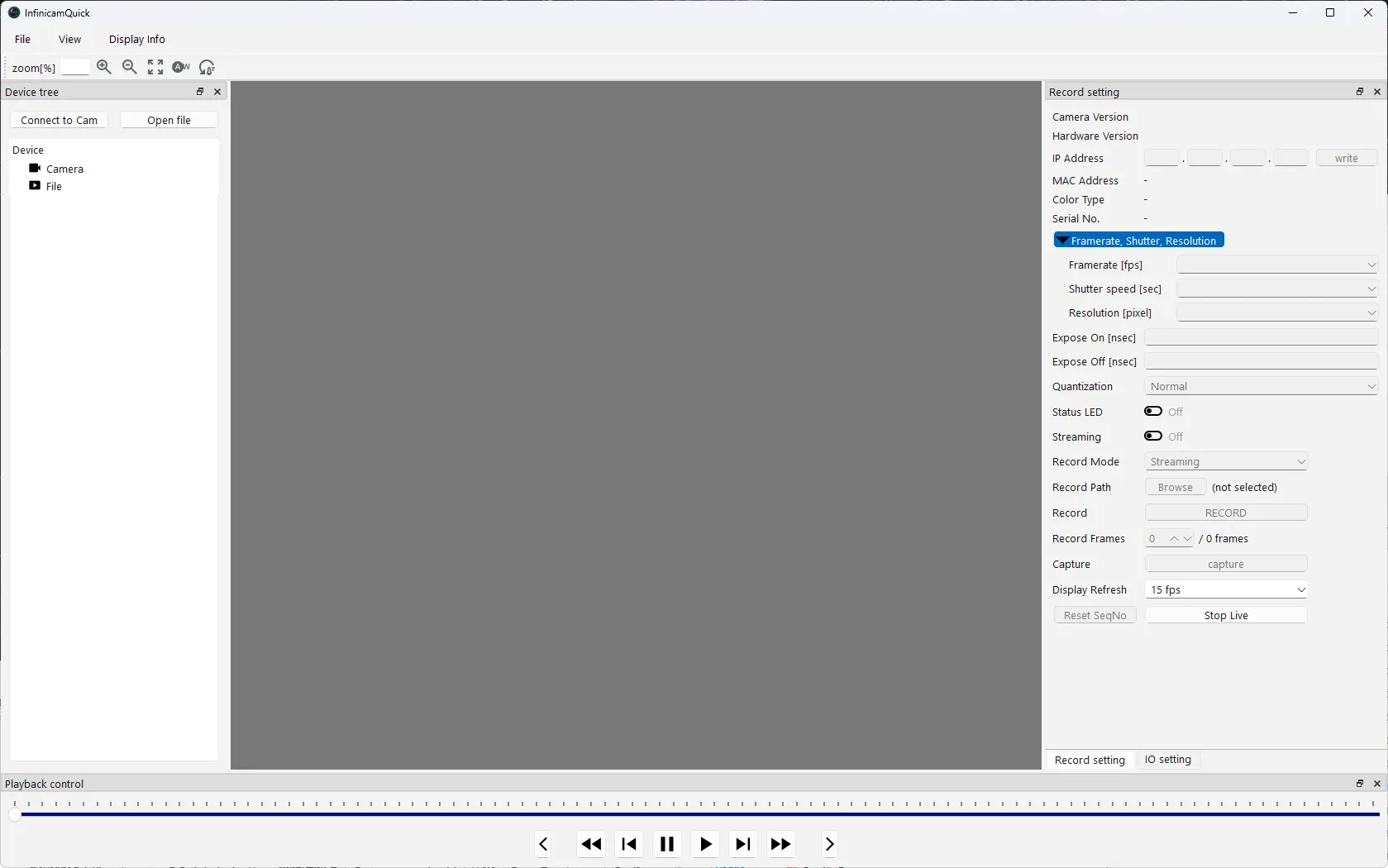
This manual explains how to use the sample software for operating the INFINICAM GbE-2 real-time high-speed camera. It walks you through everything from installation to capturing, recording, and playback, using screenshots along the way.
Getting started
Section titled “Getting started”If this is your first time, read through the pages in the following order.
1. InstallationInstall the software and the required runtime
2. Connecting the CameraConnect the PC and camera and configure the network
3. Live View & CaptureDisplay the camera's video feed and capture images
Capture settings
Section titled “Capture settings”Frame Rate, Shutter & ResolutionSet the frame rate, shutter speed, and image size
External IOConfigure external IO such as trigger input and synchronization signals
Recording and playback
Section titled “Recording and playback”Understanding the screen
Section titled “Understanding the screen”Names of Screen ElementsA list of every button and panel on the main screen and what it does
Having trouble?
Section titled “Having trouble?”FAQWhat to do if the camera isn't recognized, the video doesn't display, and more